

Explainer
What are the different verification modes?
Light, Verified, and Audit modes for different rigour levels
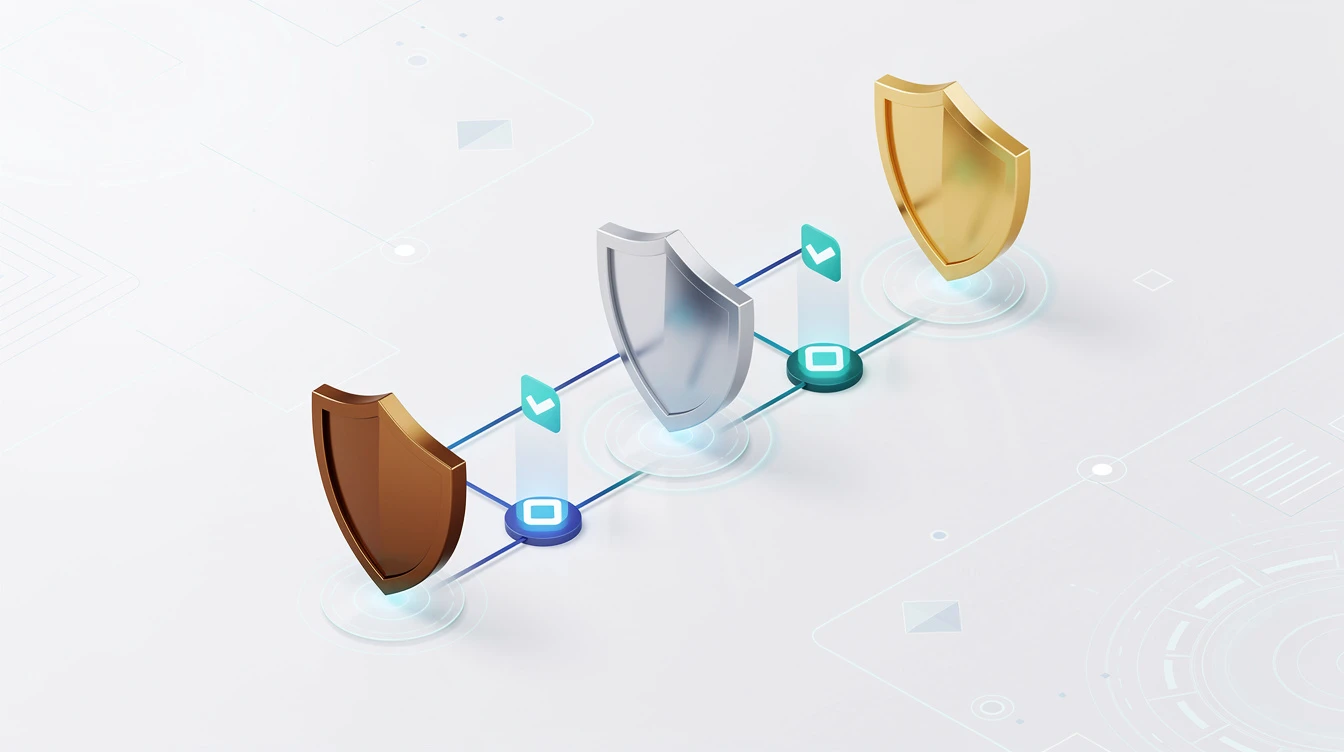
CueCrux offers three verification modes that let you match the level of evidence rigour to the requirements of your task. Not every question needs a full audit trail, and not every answer should come without one. The mode system lets you choose.
Light mode is the fastest option, designed for everyday research questions where you need a reliable answer with basic sourcing. When you use light mode, CueCrux searches its corpus, synthesizes an answer, and provides inline citations linking to the relevant sources. You get the core CueCrux benefit of traceable answers without the overhead of a full evidence receipt. Light mode is appropriate for background research, initial exploration of a topic, and situations where you want a well-sourced starting point for further investigation. It is the default mode for free-tier users.
Verified mode adds full CROWN receipts to your answers. Every claim in the answer is mapped to specific source passages with confidence scores, verification timestamps, and cryptographic signatures. The receipt provides a complete evidence chain that you can inspect, share, and export. Verified mode is the standard for professional research. When you need to cite your sources, demonstrate due diligence, or share findings with colleagues who need to verify them independently, verified mode provides the necessary depth. Most professional users work in verified mode for their daily research.
Audit mode provides the most comprehensive evidence package, designed for situations where the evidence trail itself is a deliverable. In addition to everything in verified mode, audit mode includes expanded source context around each cited passage, alternative sources that were considered but not selected, a detailed retrieval log showing the search strategies used, and a compliance-ready export format suitable for regulatory submissions and legal filings. Audit mode is appropriate for formal compliance documentation, legal research supporting court filings, regulatory submissions requiring demonstrated evidence review, and any situation where the thoroughness of your research process may be scrutinized.
The modes are not about the quality of the answer. CueCrux applies the same rigorous search and synthesis process regardless of mode. The difference is in how much of the evidence process is made visible and exportable. A light mode answer draws from the same sources and applies the same analysis as an audit mode answer. The light mode answer simply presents fewer layers of the evidence infrastructure.
You can switch modes at any time, even retroactively. If you asked a question in light mode and later realize you need the full evidence receipt, you can re-run the query in verified or audit mode. The system will perform a fresh search, which may reflect any source updates since your original query. This flexibility means you do not need to decide the required evidence level before you start researching.
Mode selection also affects resource usage within your account. Light mode queries consume fewer resources than verified mode, which consumes fewer than audit mode. This is reflected in how queries count against your plan limits. For most users, a mix of modes throughout the day optimizes the balance between evidence depth and account utilization.
Team administrators can set minimum mode requirements for specific workspaces. If a workspace is designated for regulatory compliance research, the administrator can require that all queries in that workspace use at least verified mode. This ensures that team members maintain appropriate evidence standards without having to remember to switch modes manually.
The mode system reflects a practical reality of professional research: sometimes you need a quick answer, and sometimes you need a fully documented evidence package. CueCrux lets you choose appropriately rather than forcing one approach for every situation.