
Explainer
What are the different search modes?
Quick, verified, and audit: choose your level of rigour
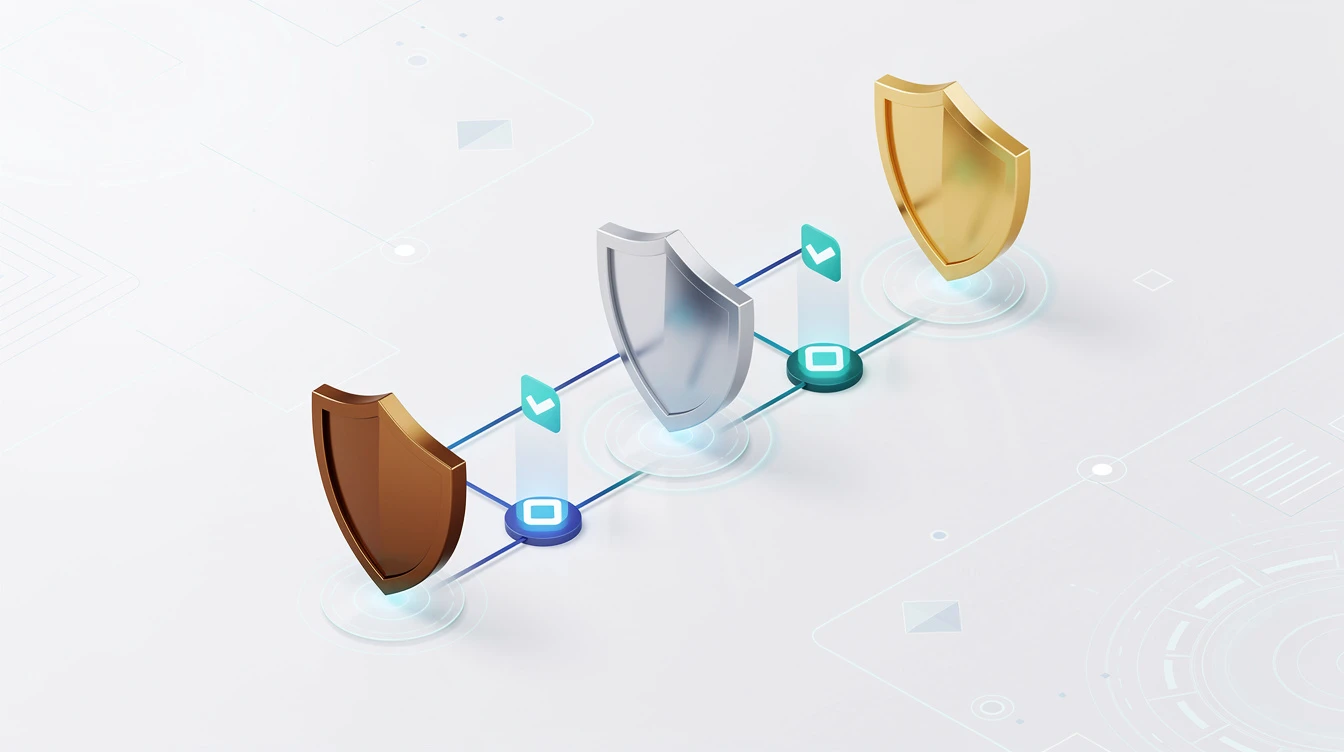
CueCrux recognises that not every question deserves the same level of investigation. Sometimes you need a fast answer to keep a conversation moving. Other times you need a thoroughly sourced response for a client deliverable. And occasionally you need an exhaustive audit-grade analysis that leaves no stone unturned. CueCrux's three search modes let you match the depth of the search to the importance of the question.
Quick mode is the fastest option. It is designed for when you need a reliable answer promptly and do not need extensive source documentation. In quick mode, CueCrux searches its knowledge base, finds the most relevant sources, and assembles a concise answer with basic source citations. The answer still comes with receipts, because every CueCrux answer does, but the search is less exhaustive. Quick mode typically searches a narrower set of sources and does not perform deep cross-referencing or conflict analysis. Think of it as asking a knowledgeable colleague for a quick answer. You trust their expertise, and you get a useful response in seconds rather than hours.
Verified mode is the standard level and the one most users work with day to day. In verified mode, CueCrux conducts a thorough search across its full knowledge base, including public sources, licensed databases, and your private documents. It cross-references information from multiple sources to check for consistency. It identifies the most authoritative sources for the topic and weights them appropriately. And it produces a well-structured answer with detailed citations and full receipts. Verified mode takes a bit longer than quick mode but delivers significantly higher confidence. Think of it as having a research analyst spend an hour on your question rather than giving you an off-the-cuff answer.
Audit mode is the most comprehensive option. It is designed for situations where the answer needs to withstand scrutiny, whether that is a regulatory audit, a legal proceeding, a board presentation, or a critical business decision. In audit mode, CueCrux conducts an exhaustive search, actively looking for sources that might contradict or nuance the emerging answer. It performs explicit conflict analysis, identifying where sources disagree and presenting both sides with evidence. It traces the provenance chain deeper, checking not just where a claim appeared but where the original source got its information. And it produces a comprehensive evidence package with detailed receipts, source quality assessments, and a conflict analysis summary.
Audit mode takes the most time and uses the most search credits, but it produces results that are defensible in the most demanding contexts. If you are a compliance officer preparing for a regulatory examination, or a lawyer building a case strategy, or a financial analyst supporting an investment committee decision, audit mode gives you the thoroughness you need.
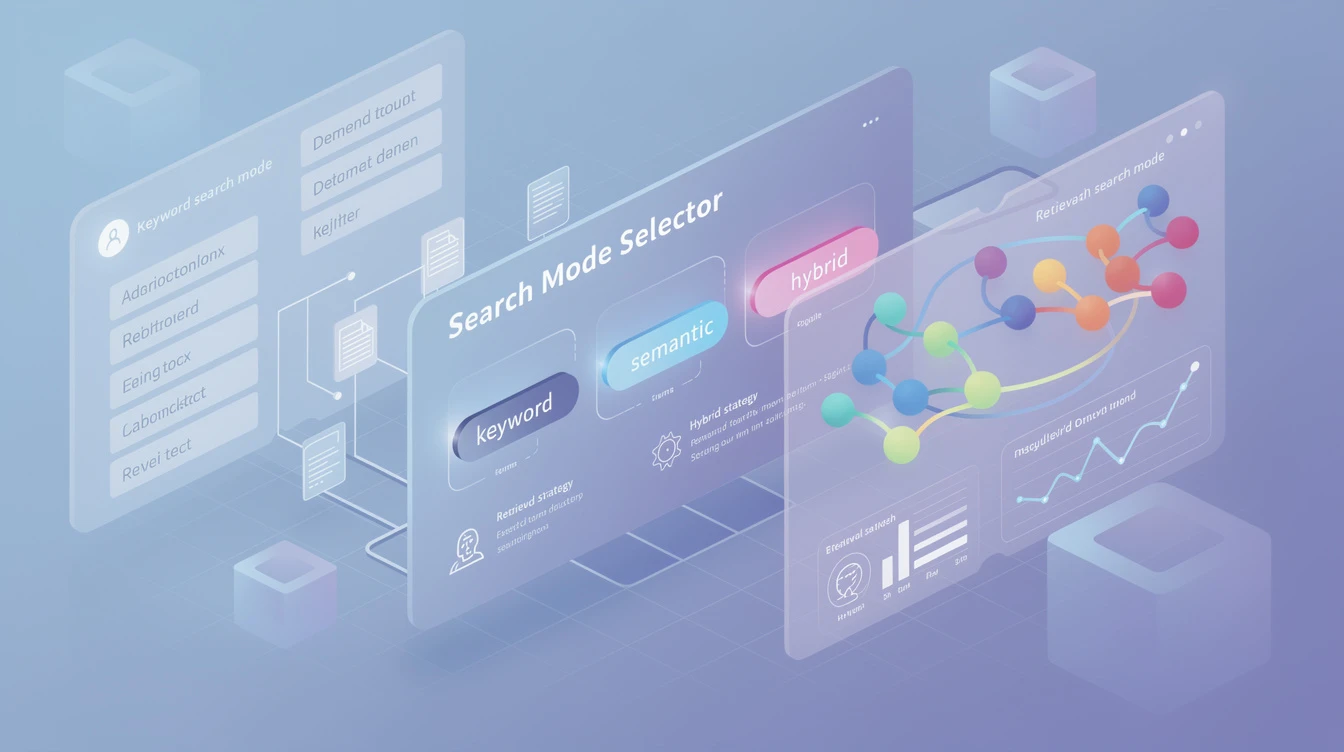
You select the search mode when you enter your query, and you can change it at any time. If you start with a quick search and realise you need more depth, you can re-run the same query in verified or audit mode. The new search builds on the previous results rather than starting from scratch, so the additional depth is delivered faster than if you had started from audit mode.
Each mode displays a badge on the answer so you and anyone you share it with can immediately see the level of rigour that went into the response. Quick mode shows a "light" badge. Verified mode shows a "verified" badge. Audit mode shows an "audit" badge. This transparency is important because it sets expectations appropriately. A quick-mode answer is reliable but not exhaustive. An audit-mode answer has been through the wringer.
The credit cost scales with the mode. Quick searches use the fewest credits. Verified searches use a moderate amount. Audit searches use the most. This pricing structure reflects the computational resources involved and encourages you to use the right mode for each situation rather than running every question through the most expensive mode.
For team workspaces, administrators can set policies about which modes are available and when. For example, a compliance team might require audit mode for all regulatory queries while allowing quick mode for internal process questions. These policies help ensure that important questions always get the rigour they deserve.
The three-mode system is CueCrux's way of acknowledging that research is not one-size-fits-all. Different questions need different levels of investigation, and you should be in control of that choice while always getting the transparency and traceability that receipts provide.