
Explainer
Can I upload scanned or image-based documents?
Yes, built-in OCR handles scans, photos, and faxes
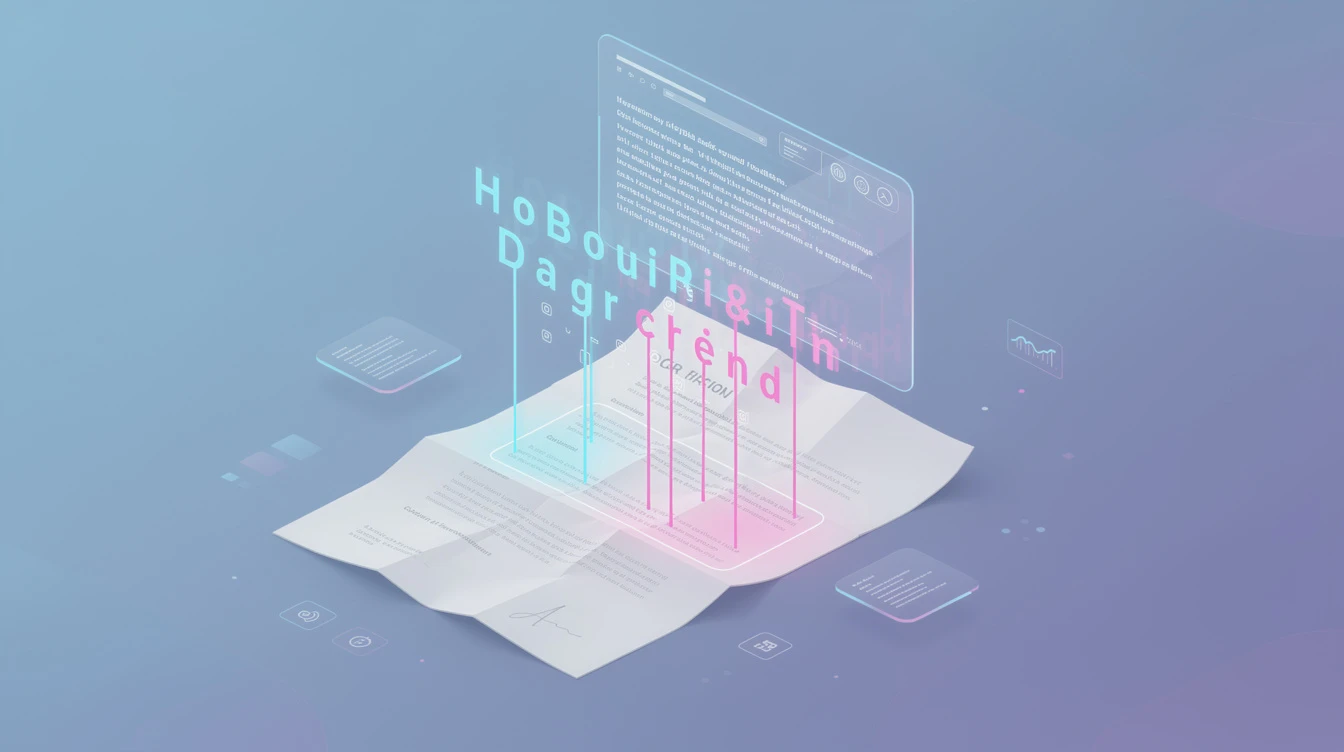
Yes, CueCrux fully supports scanned and image-based documents. This is essential for real-world use because so many important documents only exist as scans, whether they are older contracts that were never digitised, faxed correspondence, photographed whiteboards, or government filings that were scanned into PDF format.
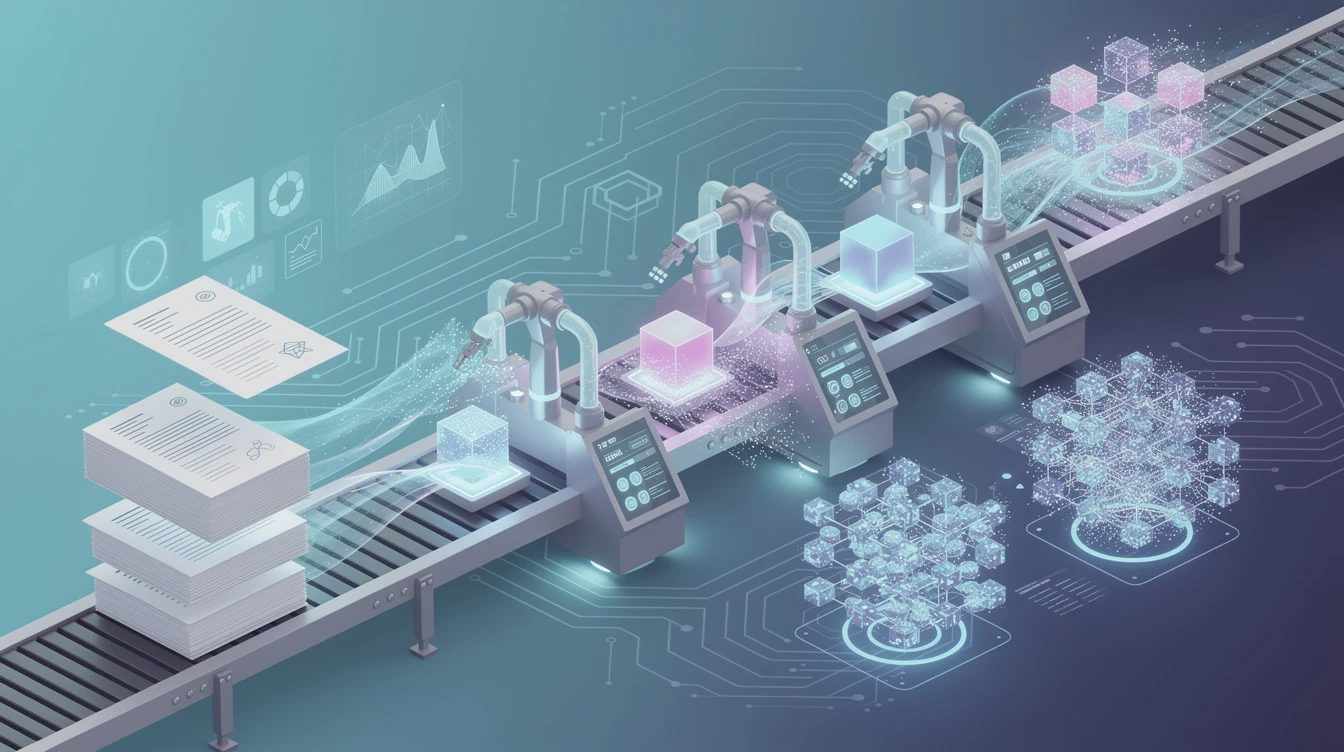
When you upload a scanned document, CueCrux's ingestion pipeline automatically detects that the PDF or image file contains non-selectable text and switches to its OCR processing mode. You do not need to do anything differently. Just upload the file the same way you would upload any other document, and CueCrux handles the rest.
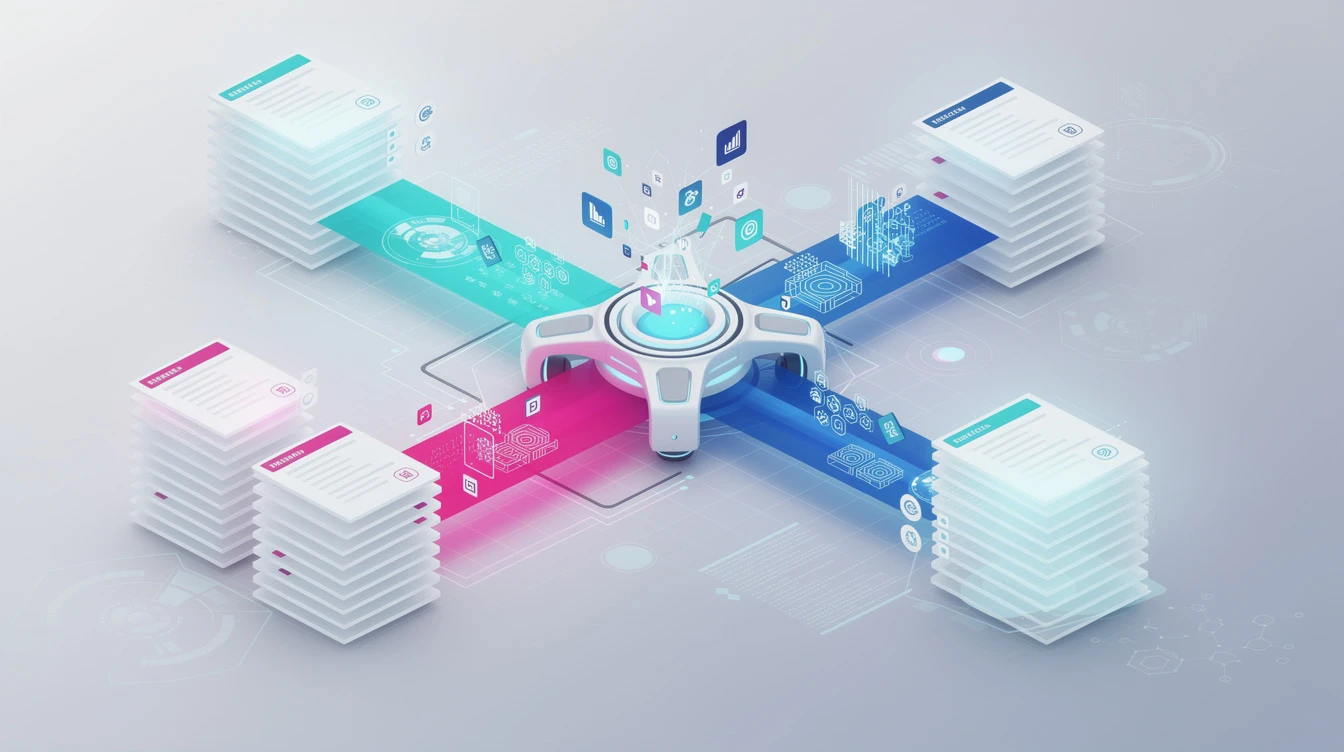
The OCR engine is built for professional document processing, not consumer-grade photo text recognition. It handles multi-column layouts correctly, identifying when text flows in columns rather than across the full page width. It recognises headers, footers, and page numbers and separates them from the body text. It handles tables by identifying row and column boundaries even when the table lines are faint or inconsistent. It processes footnotes and marginal annotations. And it handles mixed content where some pages are text-based and others are scanned within the same PDF.
Language support is comprehensive. The OCR engine recognises text in English, Spanish, French, German, Italian, Portuguese, Dutch, and many other Latin-script languages. Support for non-Latin scripts including Chinese, Japanese, Korean, Arabic, and Cyrillic is available and continually improving. If your document contains multiple languages, the engine detects the language switches and applies the appropriate recognition model for each section.
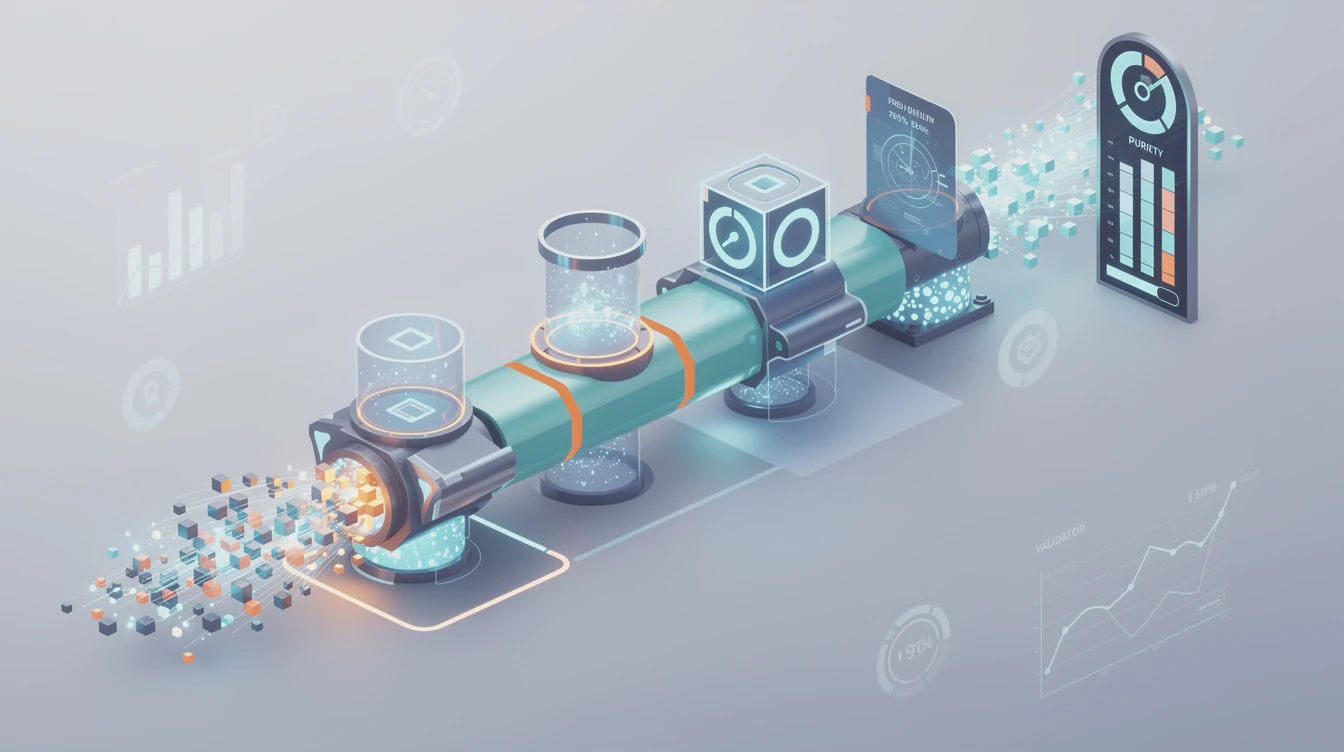
One of the most important features of CueCrux's OCR is quality scoring. Not all scans are created equal. A high-resolution scan of a cleanly printed document will produce near-perfect text extraction. A low-resolution photocopy of a faded document will produce results that are less reliable. CueCrux does not hide this uncertainty. For every chunk of text extracted via OCR, it assigns a confidence score. High-confidence chunks are treated the same as natively digital text. Lower-confidence chunks are flagged, and when they appear in search results, CueCrux indicates that the source material was a scan with moderate or low OCR confidence.
This transparency matters because it prevents a common problem with other document processing systems. If an OCR engine misreads a word and nobody notices, that error can propagate into answers that look authoritative but contain mistakes. CueCrux's approach is to be honest about uncertainty. If a word or passage was difficult to recognise, the platform tells you, and you can go back to the original scan to verify.
For best results with scanned documents, there are a few practical tips. Higher resolution scans produce better OCR output. If you have the option to rescan a document at 300 DPI or higher, the results will be noticeably better than a 150 DPI scan. Straight, well-aligned pages work better than skewed or rotated ones, though CueCrux does apply automatic deskewing. Good contrast between the text and background helps, so dark text on white paper is ideal. And if a document has handwritten annotations alongside printed text, CueCrux will extract the printed text reliably but may struggle with the handwriting depending on legibility.
CueCrux also handles photos of documents, not just proper scans. If you photograph a page with your phone, you can upload that image and CueCrux will apply its OCR pipeline. The results will depend on the photo quality, lighting, and angle, but for reasonably well-lit, straight-on photos of printed text, the extraction is usually quite good.
After OCR processing, the extracted text goes through the same ingestion pipeline as natively digital documents. It gets chunked, embedded, fingerprinted, and indexed. The only difference is that OCR-processed chunks carry their confidence scores as additional metadata, ensuring that the evidence trail is fully transparent about the quality of the source material.